On November 4, 2026, OpenAI announced Images 2.6, a new version of the image generation inside ChatGPT, Codex and its API. I use ChatGPT for my product images, so I read the announcement carefully. I have not tested Images 2.6 yet, so this is not a review. It is a summary of what OpenAI says, in my own words, plus what I think it could mean if you make images for a shop or a brand. I read the announcement with Claude’s help.
The short version
According to OpenAI’s announcement, Images 2.6 does three main things: it generates images faster, it keeps characters, products and brand details more consistent when you edit an image, and it can now make animated GIFs. For developers, there are also new options in the API.
What is new, according to OpenAI
| What changed | What OpenAI says | Why it matters if you sell online |
|---|---|---|
| Speed | Images are generated 50% faster than before. | Less waiting when you try several versions of the same photo. |
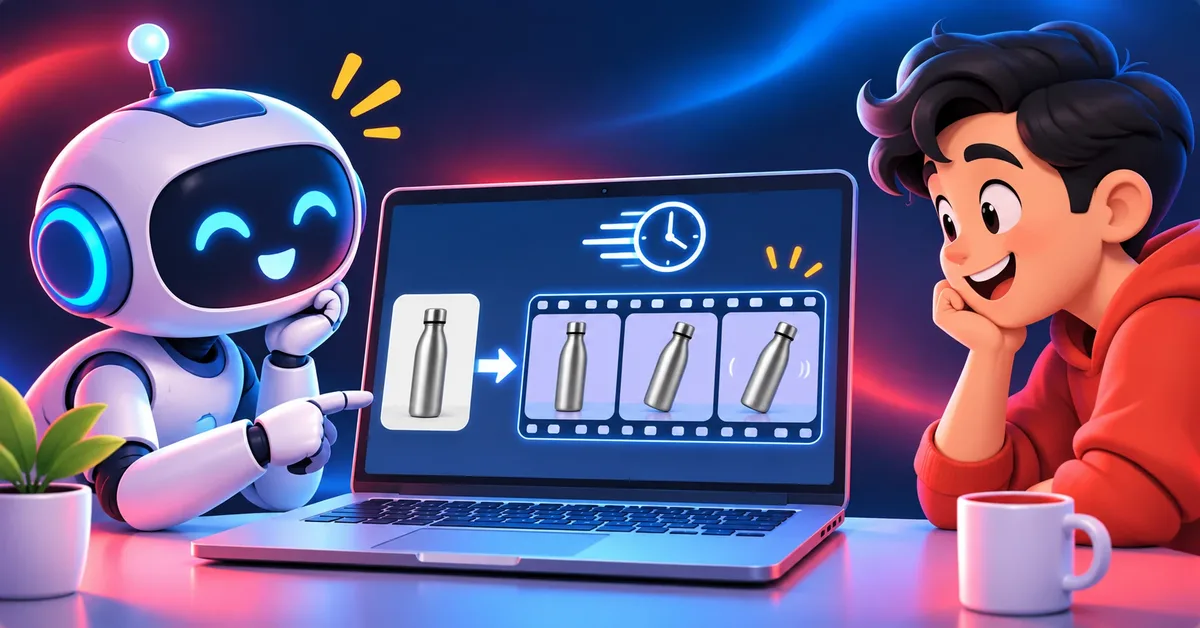
| GIFs | You can animate a mascot, a character, a sketch or turn a product photo into a short loop. | A moving product image for social media without making a video. |
| Consistency | Characters, products and brand details should stay the same as you keep editing. | This is the part I care about most, because changing one detail used to change others. |
| API models | Two models for developers, GPT-Image-2.6 Flare (faster) and GPT-Image-2.6 Sunburst (more detail and consistency). | Only relevant if you build apps or automate images. |
| API controls | Annotations to mark where a change should happen, SVG export, and a new “complexity” setting. | More precise edits and vector files for websites and print. |
The details worth knowing
- Speed: in the API, Flare at low quality can generate an image in about six seconds, according to OpenAI. Sunburst is meant for work that needs more detail and more consistency between edits, at medium or high quality.
- Quality and complexity are separate: quality controls the level of detail, while complexity controls how many elements go into the scene. OpenAI recommends low complexity for most edits and medium or high for scenes with many elements or constraints.
- Where you can use it: OpenAI says Images 2.6 is available worldwide in ChatGPT and Codex, on all subscription plans, on desktop, mobile and web. The announcement does not say anything about a free tier, so check your own account.
- The big number: OpenAI says people create 4 billion images a week across ChatGPT, Codex and the API. That is OpenAI’s own figure and I cannot verify it.
What I want to test
An announcement tells you what a company wants you to know. Before I rely on this for my own product images, I want to check four things:
- Does a product keep its shape, label and colors after five or six edits in a row?
- Is the “50% faster” noticeable in the ChatGPT app, not only in the API?
- Does a GIF made from a product photo look good enough to use, or does the product change while it moves?
- Does it still make the mistakes I described when I started, like invented text on labels?
If you want to see how I work with images today, I explained it in how I make product images with ChatGPT, and I compared other tools in the best AI image generators.
Sources and what to keep in mind
- Source: OpenAI, “Introducing Images 2.6”, published November 4, 2026. I checked it on November 7, 2026.
- Everything in the table above comes from that announcement. I have not measured the speed, the consistency or the quality myself.
- Features, names and availability can change. If something here no longer matches OpenAI’s page, trust the page.